For many students with autism, the world is a series of unpredictable events. Visual schedules transform that uncertainty into visible, predictable sequences — reducing anxiety, building independence, and making transitions dramatically smoother. They are one of the most evidence-based, high-impact tools in any special education classroom.
Why Visual Schedules Work
Students with autism often process visual information more effectively than verbal information. A spoken instruction disappears the moment it's given, but a visual representation stays. Visual schedules externalize the structure of the day, allowing students to see what's happening, what's next, and when something they prefer is coming. This predictability is not just helpful — it's regulating.
📊 Improvement in Key Skills After Visual Schedule Implementation
Smoother Transitions
Reduced Anxiety
Increased Independence
Fewer Prompted Transitions
On-Task Behavior
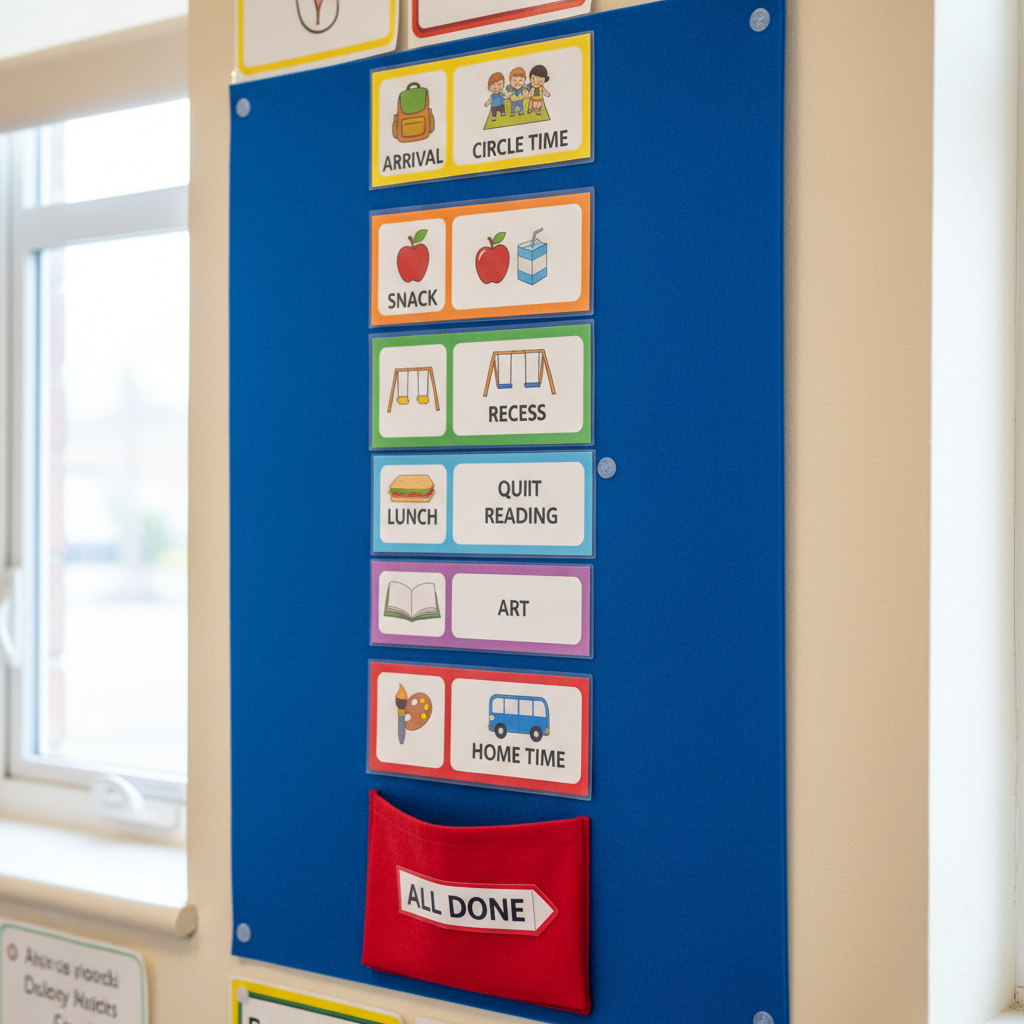
Types of Visual Schedules
There is no one-size-fits-all visual schedule. Match the format to the student's developmental level and individual needs:
1. Object Schedules
For students at the earliest developmental levels, use real objects (a spoon to represent snack time, a book for story time) mounted on a schedule strip. This concrete representation is the most accessible starting point.
2. Photograph Schedules
Use actual photographs of the real activities, locations, and people in the student's day. This is highly concrete and recognizable — a photo of the actual bathroom, the actual lunch table, the actual teacher.
3. Picture/Icon Schedules
Use standardized picture symbols (like PECS or Boardmaker icons). This is the most common format in special education classrooms and allows for quick creation and modification.
4. Written Word Schedules
For fluent readers, a simple written list of the day's activities with check-off boxes provides structure with maximum flexibility.
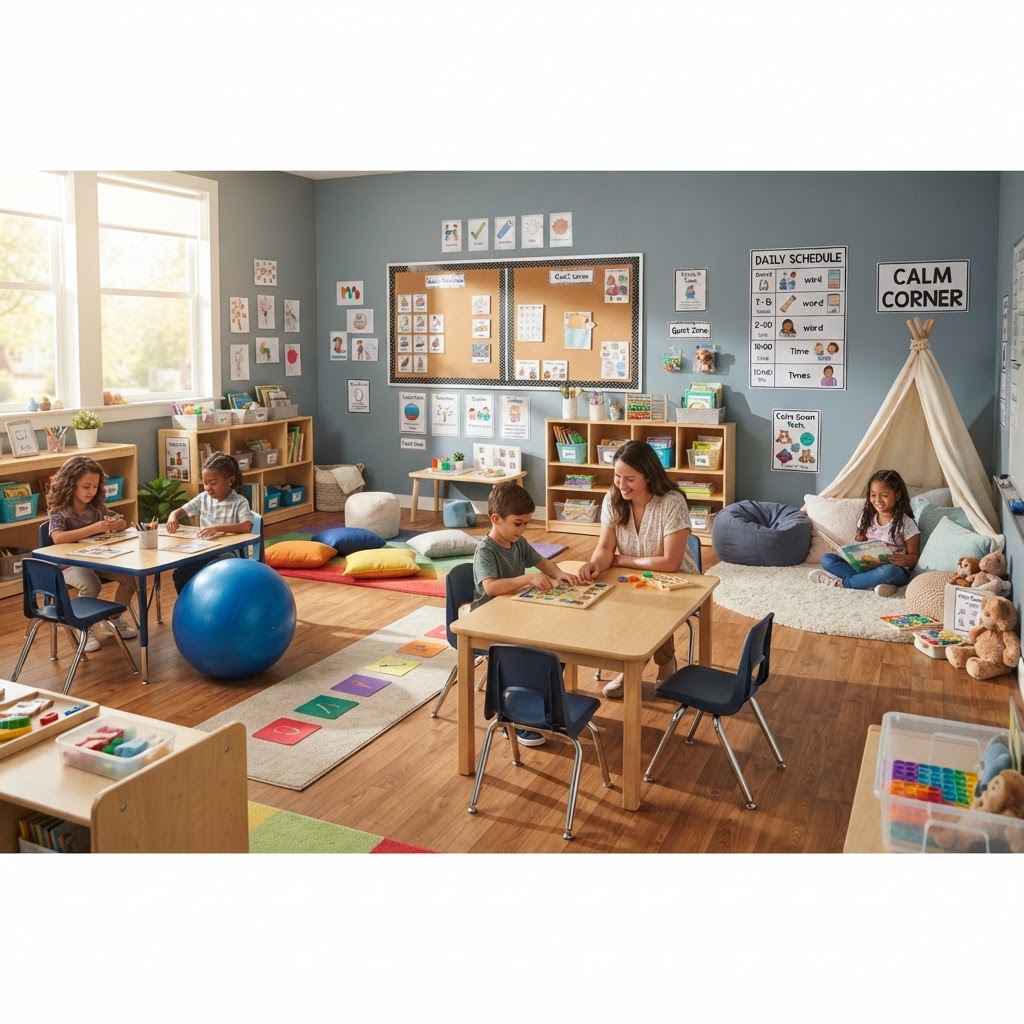
How to Implement: Step by Step
Step 1: Assess the Student's Level
Observe what level of representation the student currently understands. Start there — not where you think they "should" be. You can always move toward more abstract representations over time.
Step 2: Choose the Format and Location
Post the schedule at the student's eye level in a consistent location. For whole-class schedules, use a central wall location. For individual students, consider a personal schedule strip on their desk or a portable binder.
Step 3: Teach the Routine of Using It
This is the step most teachers skip — and it's the most important. The schedule doesn't work by existing; it works by being used. Teach the student to:
- Check the schedule
- Remove the current activity card
- Go to the corresponding location/activity
- Return when finished and check the next card
💡 Critical Step
Physically prompt the schedule-checking routine until it's independent. Fade prompts gradually. The goal is a student who manages their own schedule — not one who's managed by it.
Step 4: Build In "Finished"
Every schedule needs a "finished" box or envelope where completed cards go. This provides visual closure and helps students understand that activities end — which is often the hardest part of a transition.
Step 5: Handle Changes Explicitly
Changes will happen. When they do, use a "change" card (often a visual symbol like a star or a different color) to physically modify the schedule and preview the change. Never just let the schedule be "wrong" — that breaks trust in the system.
📊 Visual Schedule Formats by Student Developmental Level
Object Level
Photo Level
Icon Level
Word Level

Advanced Strategies
First-Then Boards
For students who are overwhelmed by a full schedule, use a simple two-card "First ___, Then ___" board. This breaks the day into manageable chunks and is especially powerful during difficult transitions: "First work, then iPad."
Choice Schedules
Build in controlled choices within the schedule — not whether to do an activity, but the order or the materials: "Do you want to start with math or reading?" This increases buy-in and autonomy while maintaining structure.
Timer Integration
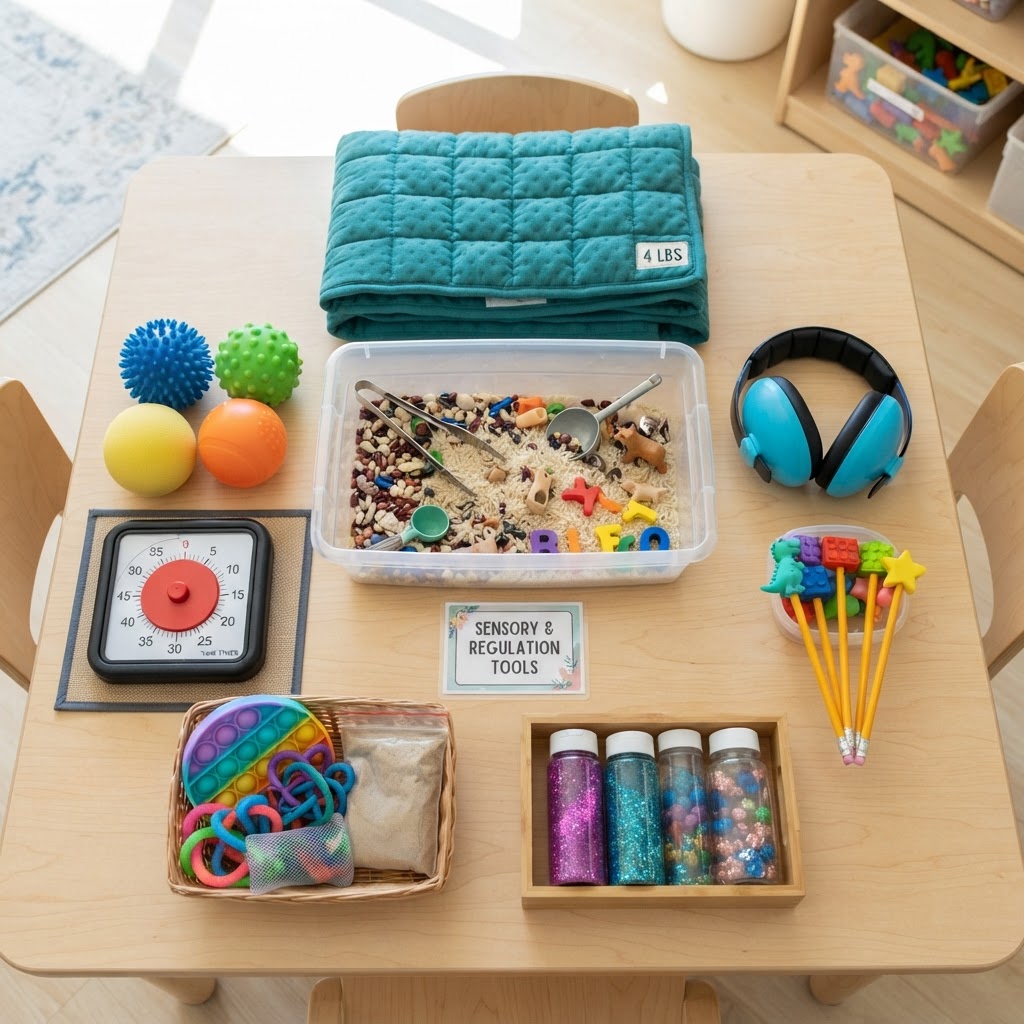
Pair visual schedules with visual timers so students can see how long an activity lasts. The combination of "what" (schedule) and "how long" (timer) is incredibly powerful for reducing task anxiety.
Troubleshooting Common Issues
- "My student ignores the schedule" — Go back to teaching the check routine with full physical prompts
- "Transitions are still hard" — Add a transition warning timer and a preferred activity immediately after non-preferred ones
- "The schedule creates rigidity" — This is actually a feature, not a bug. Teach flexibility gradually using the "change" card
- "I can't keep up with making cards" — Create a master set of laminated, reusable cards organized by activity type
💡 Remember
The schedule is for the student, not for you. If you're the only one checking it, it's not working. The goal is independence — the student should be the primary user.
Conclusion
Visual schedules are deceptively simple in appearance but profound in impact. They give students with autism a visible handle on an unpredictable world, reduce the adult prompting needed for transitions, and build the independence that is ultimately the goal of all our teaching. Start simple, teach the routine, and watch the anxiety in your room decrease.